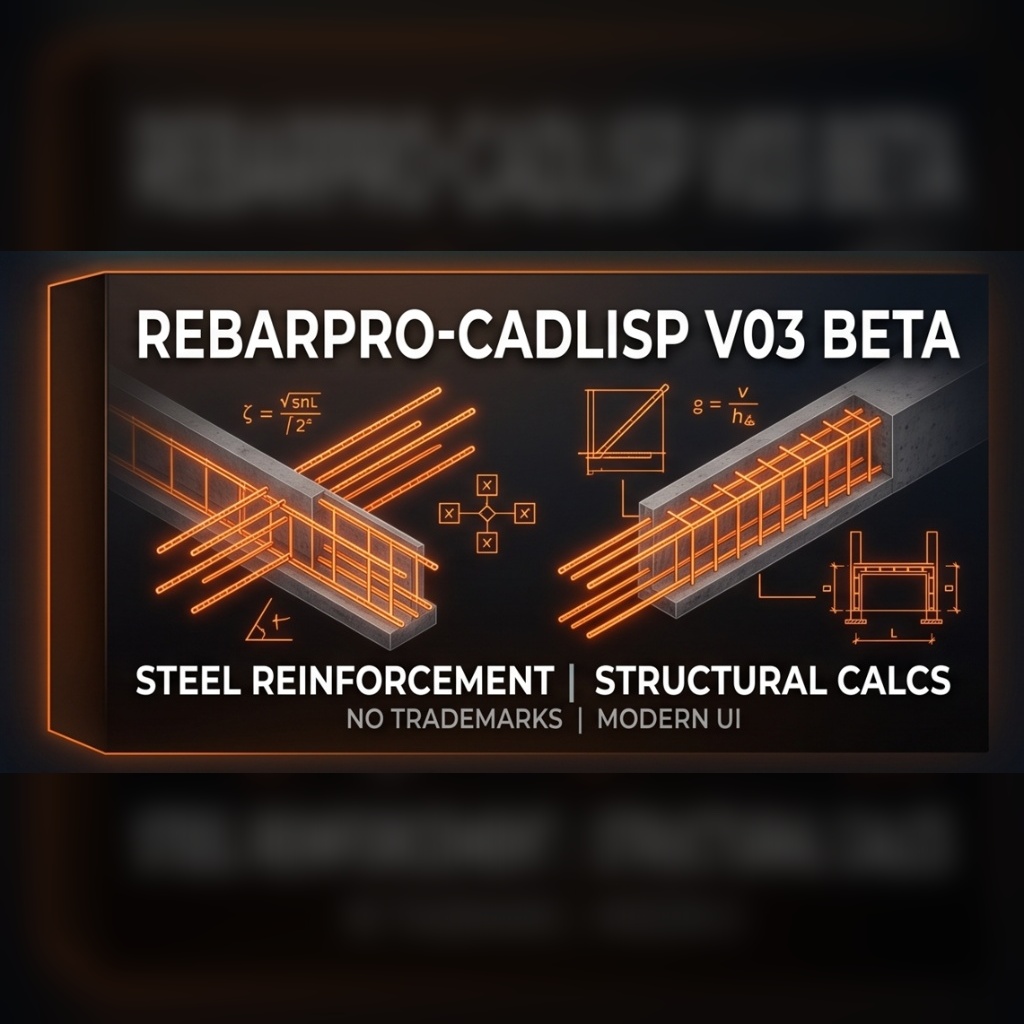
Stop counting reinforcement bars manually! RebarPro (V03 Beta) is the ultimate automation tool for structural detailing in AutoCAD. It eliminates the tedious task of manual quantity takeoffs and minimizes human error in concrete reinforcement projects.
Whether you are working on a small beam detail or a complex foundation plan, RebarPro intelligently reads your drawing texts and blocks, processes the data at lightning speed, and delivers a complete Bill of Materials (BOM) instantly.
Key Features
Smart Text & Block Recognition New
- Automatically parses formats like
10Ø12 L=600or15Ø14/20. - Block Attribute Support: Now seamlessly reads standard Text, MText, and Blocks (INSERT).
- Variable Length Engine: Automatically calculates the average for variable lengths (e.g.,
L=200-300orL=200~300). - Armored Symbol Parsing: Advanced Unicode decoding ensures it catches every diameter symbol perfectly, regardless of CAD font corruptions (Ø, %%c, f, Q, ö, etc.).
Automatic Scheduling & Weight Calculation
- Calculates total steel weight (Tonnage) instantly using standard TS 708 / IMO unit weights (kg/m) for precision.
- Generates an automated Diameter Summary (Total weight per Ø8, Ø10, Ø12, etc.).
- Provides Spacing summaries for quick field referencing.
Next-Gen Quality Control & Visual Tracking New
- Visual Check Marks: Automatically draws a physical green “Tick” (polyline) next to processed bars on a dedicated layer, so you always know exactly what has been counted!
- Advanced RAM-Cached QC: Incredibly fast error detection flags overlapping/clashing texts
[YAKIN]and unusually small texts[KUCUK]. - Validation & Anti-Duplication: Detects duplicate selections to prevent double-counting, highlights missing lengths/quantities, and warns about bars longer than 12m.
Advanced Auto-Numbering (Positioning)
- Automatically assigns Position Numbers (Pos No) to bars.
- Smart Sorting: Sorts bars by location (Top-to-Bottom, Left-to-Right), by diameter, length, or quantity with ascending/descending toggles.
- Grouping: Identical bars (same Dia & Length) are grouped under the same Pos No.
- Instantly updates the text in your drawing with the new prefixes.
Ultra-Fast CAD Table & Excel Export
- Turbo Table Drawing: Places a professional, scaled Rebar Schedule Table directly inside your AutoCAD drawing at “DLL-speed” (0.1 seconds!).
- Smart Excel Export: Export your full rebar list to .CSV / Excel format in one click. Now features leading-zero protection (e.g.,
'01) so Excel formats your Pos numbers perfectly.
Dual Language Interface
- Fully supports English and Turkish languages natively.
- Launch instantly with dedicated commands: Type
REBARfor English orDONATIfor Turkish.
How It Works
- Select: Run the command (
REBARorDONATI) and select the reinforcement text/blocks on your drawing. - Analyze & Verify: The interface displays the list, checks for errors, and calculates totals. Double-click any item to instantly Zoom-to-Row in the drawing.
- Process: Use the “Number It” button to auto-assign position numbers and colorize/tick counted items.
- Export: Click “Draw Table” to place the schedule in CAD or “Excel” to save a comprehensive report.
Who Is This For?
- Structural Engineers
- Rebar Detailers & Draftspersons
- Civil Engineering Students
- Site Engineers (for instant material estimation)
System Requirements
- Software: AutoCAD (Full Version on Windows). Note: LISP routines do not work on AutoCAD LT.
- Connection: Internet connection required for initial license verification.