FreeAutoCAD LISP

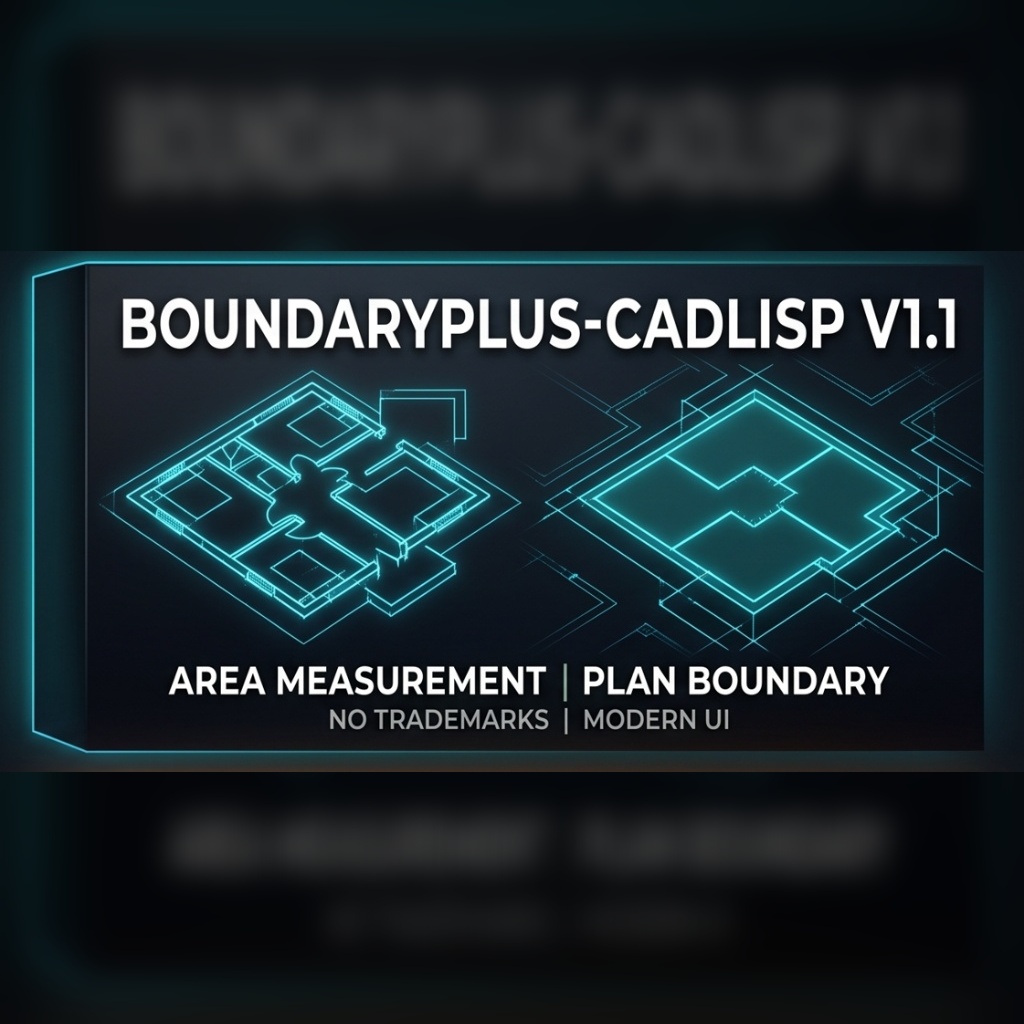
BoundaryPlusV1.1 · AutoCAD LISP

Room areas, perimeters and tags with a single click.

BoundaryPlus is a professional automation plugin developed for AutoCAD users, designed to accelerate the quantity takeoff process in architectural and engineering projects by 90%. It calculates room areas and perimeters with a single click, automatically generates tags, and exports data to Excel or AutoCAD tables in seconds. Eliminate errors and boost your project speed.

Download free · .vlx · 25 KB Free for a limited time. All intellectual property rights reserved. See our terms. Terms & disclaimer
Command
METRAJQUANTITY
Version
V1.1
Format
.vlx (ZIP, 25 KB)
Platform
AutoCAD (Windows, full version – not LT)
Language
English · Turkish
Updated
Price
Free

Say Goodbye to Manual Quantity Takeoffs!

Quantity takeoff calculation is the most time-consuming and error-prone process in architectural and structural projects. With BoundaryPlus v1.1, it now takes only seconds. Eliminate the fatigue of manual calculations and the risk of errors.

Key Features

  • Smart Area & Perimeter Calculation: Automatically detects closed areas (rooms, slabs, walls) and calculates with millimeter precision.
  • Automatic Tagging: Instantly processes calculated areas into your project as stylish tags in “Room Name, No, Area (m²), and Perimeter (m)” format.
  • Inner & Outer Boundary Separation: Calculate interior net areas (for skirting boards, etc.) or building exterior rough boundaries separately.
  • Excel & Table Export: Export all quantity data in the project to an AutoCAD table or directly to Excel (.CSV) format with a single command.
  • Multi-Language Support: The plugin comes with both English and Turkish language options.
  • Customizable Settings: You can adjust text size, layer names, colors, and starting numbers according to your project standards.

How to Install and Use?

  1. Download the file and extract it from the ZIP archive.
  2. Open AutoCAD and type APPLOAD in the command line.
  3. Select the downloaded .vlx file and click the “Load” button.
  4. Type METRAJ or QUANTITY in the command line to start the interface.
FAQ

Questions about this add-in

What does BoundaryPlus do in AutoCAD?

BoundaryPlus detects closed areas such as rooms, slabs and walls, calculates their area and perimeter, writes tags in the format room name, number, area (m²) and perimeter (m), and exports all quantities to an AutoCAD table or to Excel (.CSV).

How do I start BoundaryPlus?

Load the BoundaryPlus .vlx file with APPLOAD, then type METRAJ (Turkish) or QUANTITY (English) in the command line.

Can BoundaryPlus separate net and gross areas?

Yes. It can calculate interior net areas (for example for skirting boards) and the building's exterior gross boundary separately.

Can I customise the tags?

Yes. Text size, layer names, colours and starting numbers can be adjusted to your project standards.

Is BoundaryPlus free and does it run on AutoCAD LT?

BoundaryPlus is currently offered free of charge for a limited time. It requires the full version of AutoCAD on Windows; AutoCAD LT cannot run LISP.

More add-ins

All add-ins
RebarPro - Rebar schedules, weights and position numbers in seconds.
FreeAutoCAD LISP

RebarPro V03 Beta

Rebar schedules, weights and position numbers in seconds.

REBARDONATI
BoundaryPlus V1.1Free · 25 KB
Download