FreeExcel add-in

Text to Columns+V1.0 · Excel add-in

Split text into columns with multiple delimiters at once.

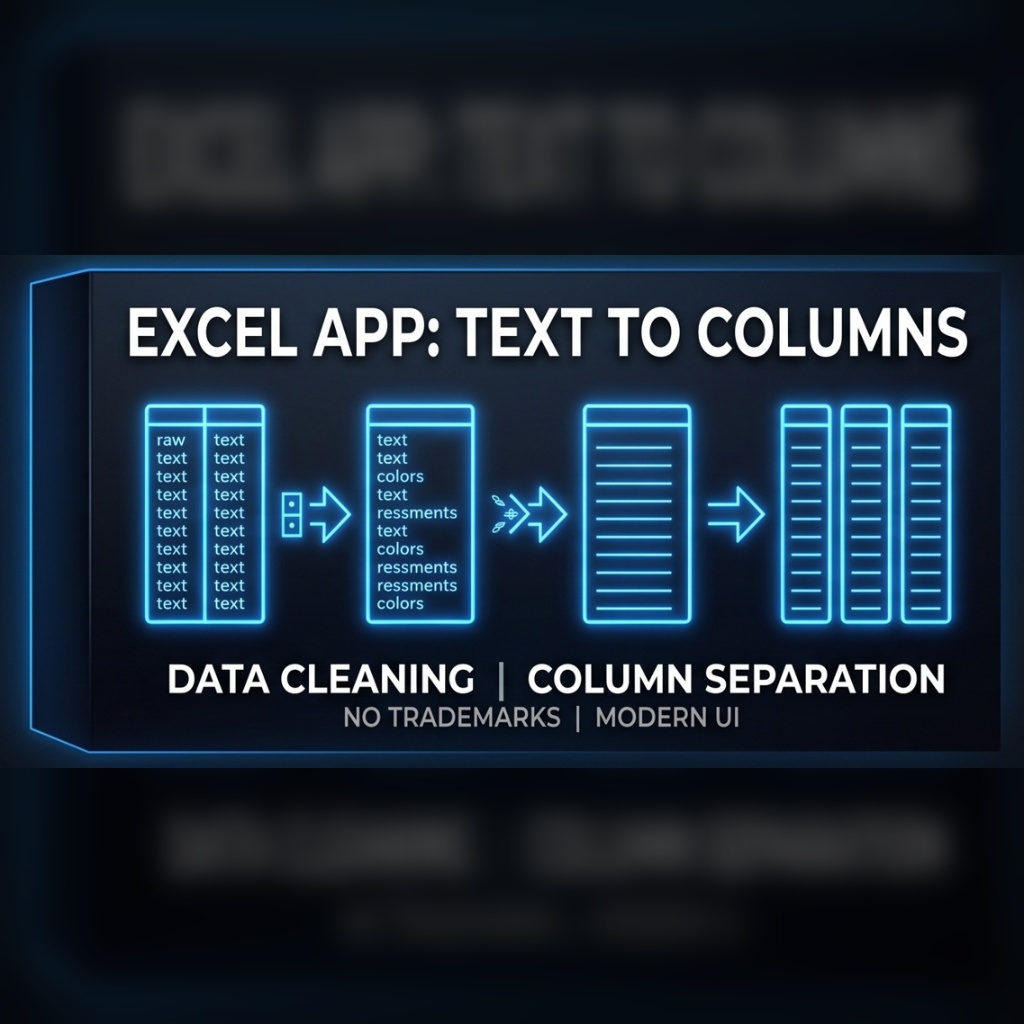
If you constantly use the “Text to Columns” tool in Excel, this add-in will speed up your workflow significantly: multiple delimiters in a single step, a custom starting column, and no more copying columns during quantity takeoffs (BOQ).

Download free · .exe · 1.4 MB Free for a limited time. All intellectual property rights reserved. See our terms. Terms & disclaimer
Command
EXCEL
Version
V1.0
Format
.exe (ZIP, 1.4 MB)
Platform
Microsoft Excel (Windows)
Language
English · Turkish
Updated
Price
Free

If you constantly use the “Text to Columns” tool in Excel, this add-in will speed up your workflow significantly.

Key Differences

  • Multiple Delimiters at Once: The ability to split text into columns using multiple different delimiters in a single step.
  • Custom Starting Column: You can choose exactly which column you want the split text to start printing from.
  • No More Column Copying: When doing quantity takeoffs (BOQ) with the standard Text to Columns tool, you typically have to copy columns first. This add-in completely eliminates that necessity!

Installation

  1. Download the ZIP file and extract it.
  2. Close Excel, then run Eklenti_Kurulum.exe and follow the steps.
  3. Open Excel again – the add-in is ready to use.

FAQ

Questions about this add-in

How is Text to Columns+ different from Excel's built-in Text to Columns?

It splits text using several different delimiters in a single step, lets you choose the column where the output starts, and removes the need to copy columns first when preparing quantity takeoff (BOQ) lists.

How do I install Text to Columns+?

Download and extract the ZIP, close Excel, run Eklenti_Kurulum.exe and follow the steps. The add-in is ready the next time you open Excel.

Do I need AutoCAD for Text to Columns+?

No. Text to Columns+ is a Microsoft Excel add-in for Windows and works without AutoCAD.

Is Text to Columns+ free?

Yes, it can be downloaded free of charge from cadlisp.com.

More add-ins

All add-ins
RebarPro - Rebar schedules, weights and position numbers in seconds.
FreeAutoCAD LISP

RebarPro V03 Beta

Rebar schedules, weights and position numbers in seconds.

REBARDONATI
Text to Columns+ V1.0Free · 1.4 MB
Download