AutoCAD LISP · Free downloads

Turn hours of drafting into seconds.

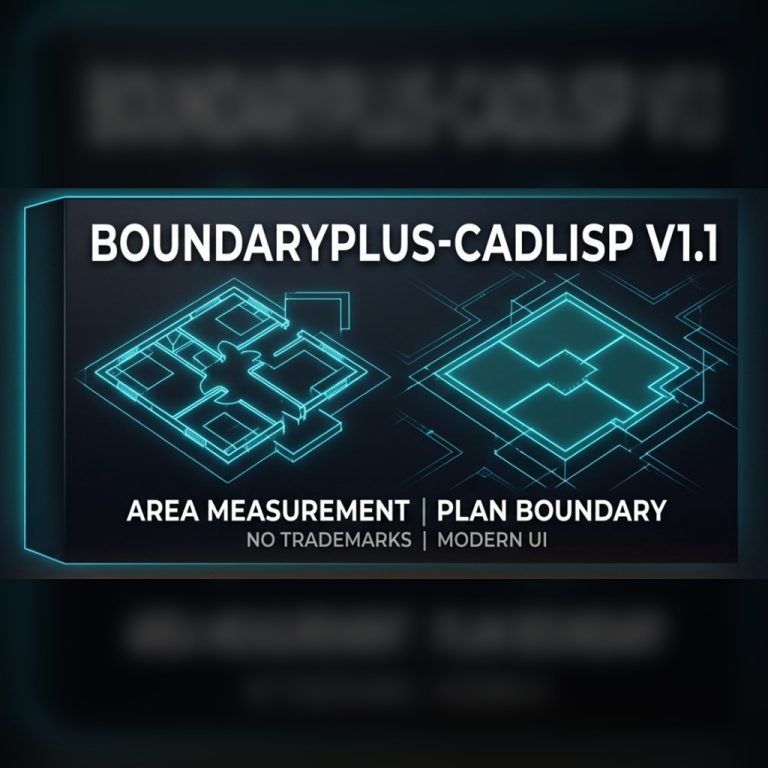
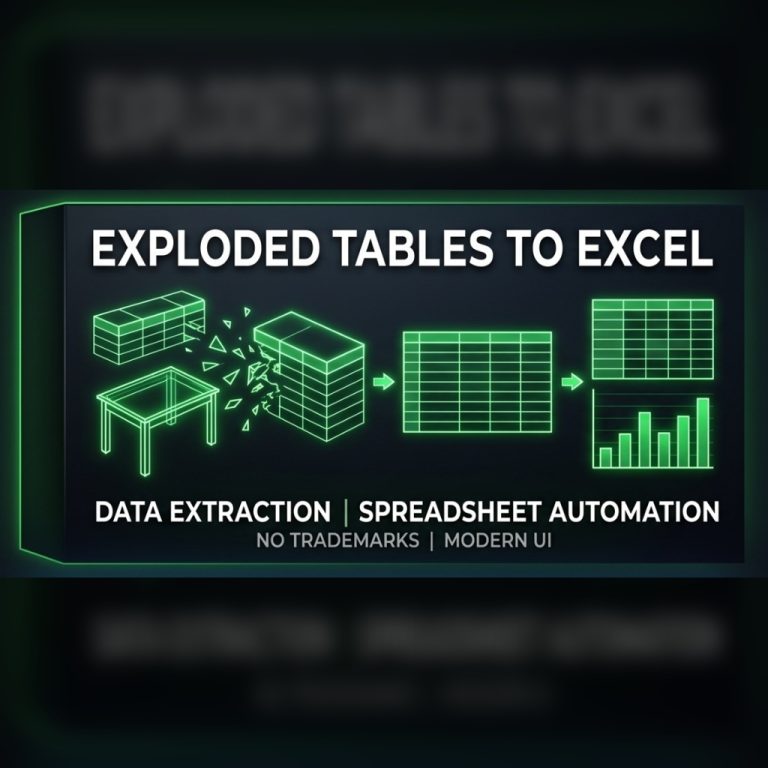
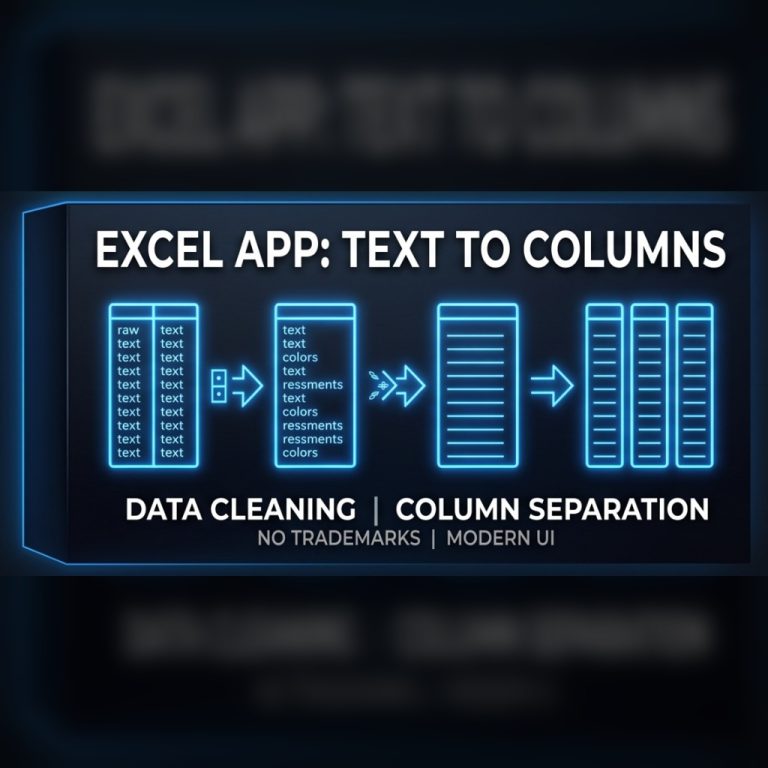
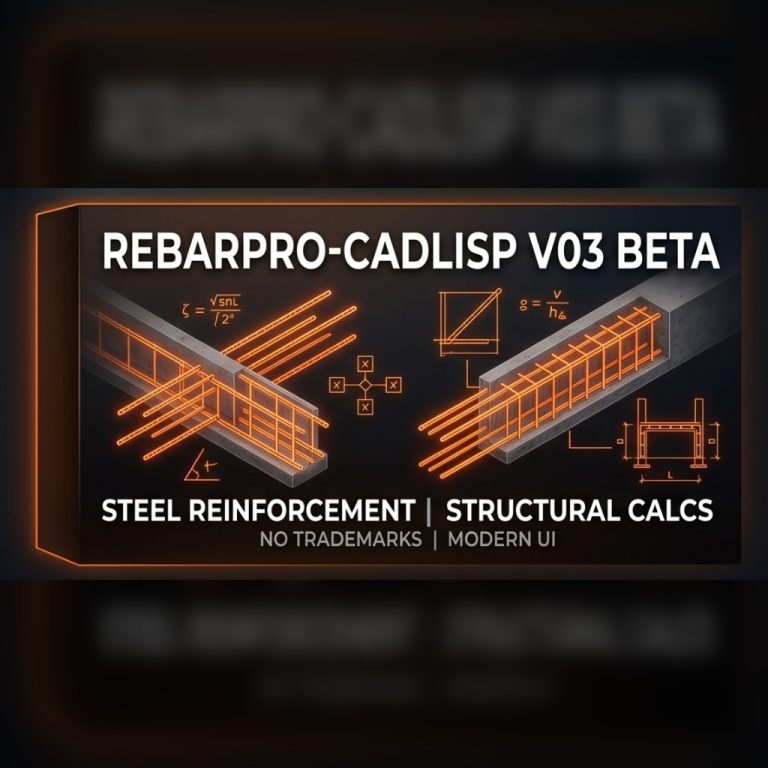
Cadlisp builds AutoCAD add-ins for engineers and drafters: rebar schedules, area takeoffs and table exports – done with a single command.

Cadlisp · AutoCAD automation

Commands: REBAR · QUANTITY · TABLOAKTAR · EXCEL · BLOG · CONTACT

Try:

Live takeoff

Concrete
-
Rebar
-
Floor area
-
Add-ins

Tools that do the counting for you

Every add-in is free to download and works in English and Turkish.

Install

Ready in three steps

  1. 01

    Download & extract

    Download the ZIP and extract it to a permanent folder, e.g. C:\Cadlisp.

  2. 02

    Run APPLOAD

    Type APPLOAD in AutoCAD, pick the .vlx file and click Load. Add it to the Startup Suite to load it on every start.

  3. 03

    Type the command

    Run REBAR, QUANTITY or TABLOAKTAR and let the add-in do the counting.

Read the full install guide

0free add-ins
0faster takeoffs
0languages: EN · TR
0to draw a rebar table
Custom development

Need a command AutoCAD doesn’t have?

Tell us about the repetitive task that eats your day. We design, write and test LISP routines tailored to your office standards.

  • Quantity takeoff & reports
  • Layer, block & text automation
  • Excel ↔ AutoCAD data exchange
Blog

Notes from the command line

All posts
FAQ

Frequently asked questions

Are Cadlisp add-ins really free?

Yes. All add-ins are currently free to download and use. They are licensed software and we may introduce paid versions in the future; existing downloads will keep working under the terms you downloaded them with.

Do they work on AutoCAD LT?

No. LISP routines require the full version of AutoCAD on Windows. AutoCAD LT does not run AutoLISP.

How do I install a LISP in AutoCAD?

Extract the ZIP, type APPLOAD in AutoCAD, select the .vlx file and click Load. To load it automatically on every start, add it to the Startup Suite in the same dialog.

Which languages are supported?

Our add-ins have English and Turkish interfaces. RebarPro, for example, starts with REBAR in English and DONATI in Turkish.

Can you write a custom LISP for my office?

Yes. Email info@cadlisp.com with a short description and a sample drawing, and we will get back to you with a proposal.